Your team sees each other, even without coverage
Where the coverage ends
Many of the best stands are where the phone loses coverage. That is where the live map stops, and the team is back to the hunting radio and guesswork.
A LoRa radio sends small amounts of data a long way, on very little power. The radios talk directly to each other, with no mobile network, and a radio can pass on what it hears. Hunta uses them for what the team needs most: where everyone is, and short messages.
How to connect
The first time takes four steps, in Settings in the app:
- Charge the radio. Attach the magnetic charging cable to the back of the radio, and charge it full the evening before the hunt.
- Turn it on. Hold the button until the radio beeps, and put it next to the phone.
- Choose your radio. The nearest one is at the top.
- Done. Next time you only need to turn it on. The phone finds it by itself.
You don't need another app. A radio talks to one phone at a time, so if it is connected to the Meshtastic app somewhere else, disconnect it there first.
The team comes with the hunt
When you start or join a hunt with the team, Hunta sets the radio up for that team. The team's key arrives by itself, and the radio uses the team's own channel.
With no coverage
The radio sends your position every three minutes, and more often when you walk. On the map you see the others on the team, marked "Via LoRa", and how old the position is. If it came through another hunter's radio, that shows too.
The hunt chat works as well. Short messages go over the radio to the people on the team who have a radio. Pictures are not sent over the radio.
When one of you gets coverage
When one of you gets coverage, that phone passes on the positions from the radio, so they reach the app.
What you need
Every hunter needs their own radio, and it helps once at least one more person on the team has one. Hunta works with radios that run Meshtastic. On the radio page in the app you see the battery and charging, you can make the radio silent, and you can turn it off.
The radios we recommend
For now we recommend these two. Both are small enough for a pocket or a lanyard, and both work on 868 MHz, the band used in Europe.
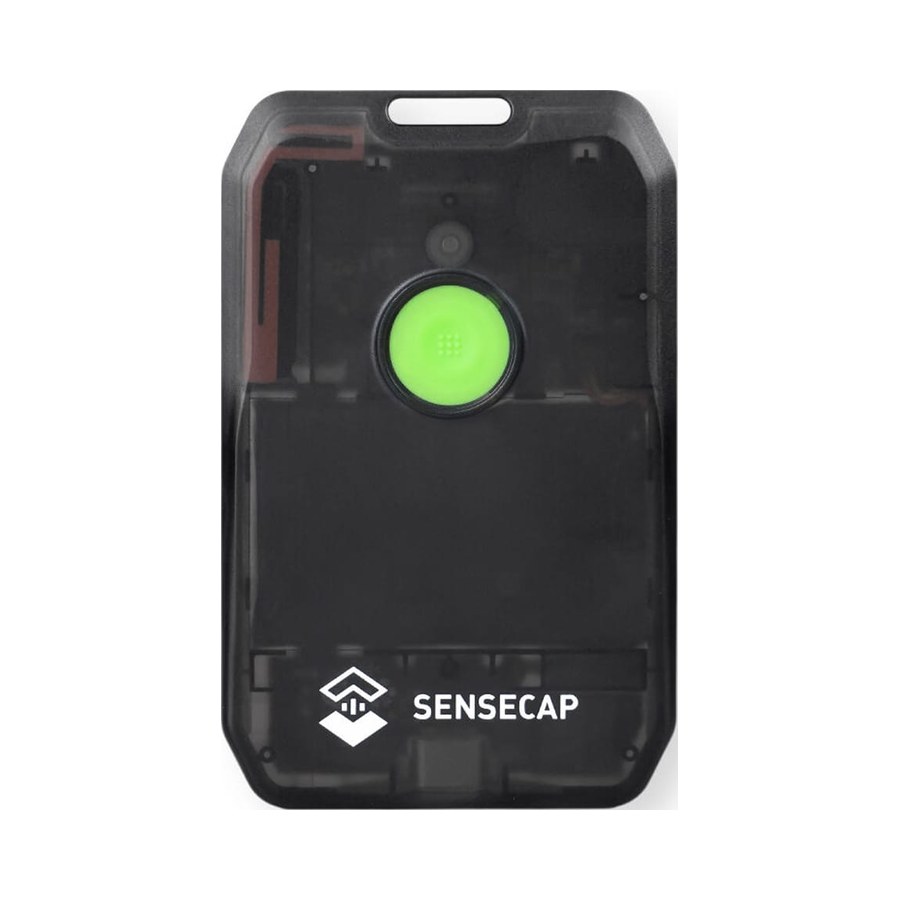
Seeed Studio. Card-sized, IP66, with dual-band GPS. Up to five days per charge, according to Seeed. Charges over USB-C.
See it at Seeed Studio
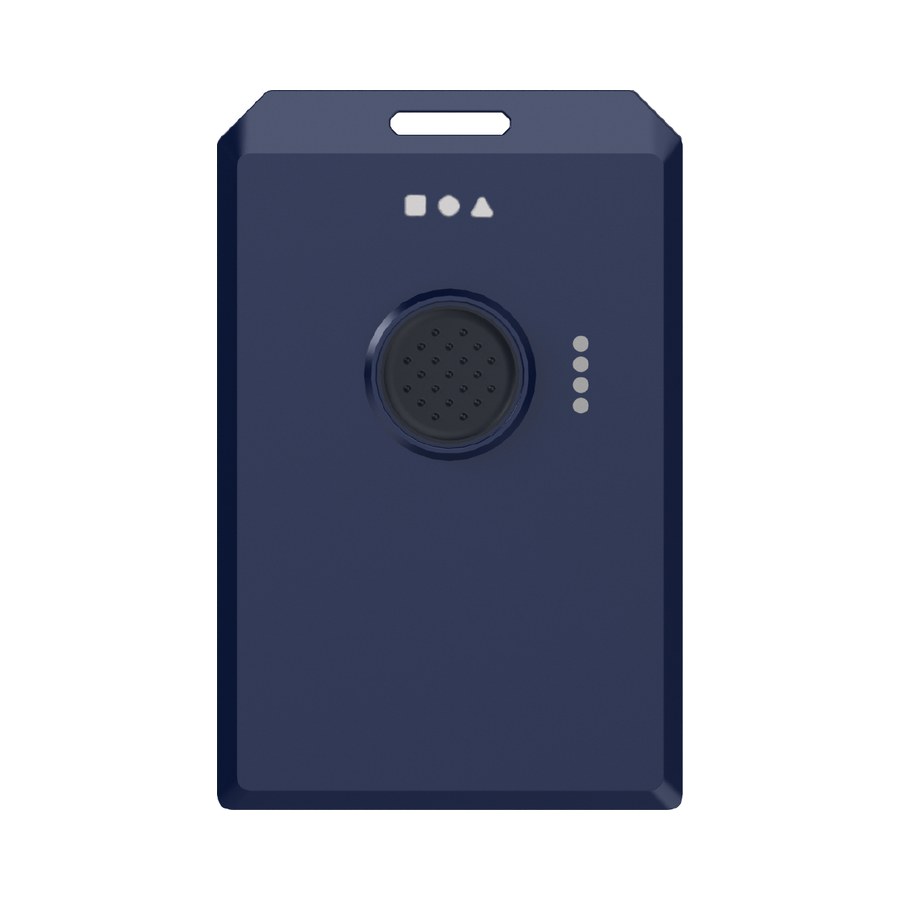
RAKwireless. Card-sized, IP66 and 1,000 mAh. Users report two to three days with GPS on. Charges with a magnetic cable.
See it at RAKwireless
Update Hunta, and find LoRa radio in Settings.