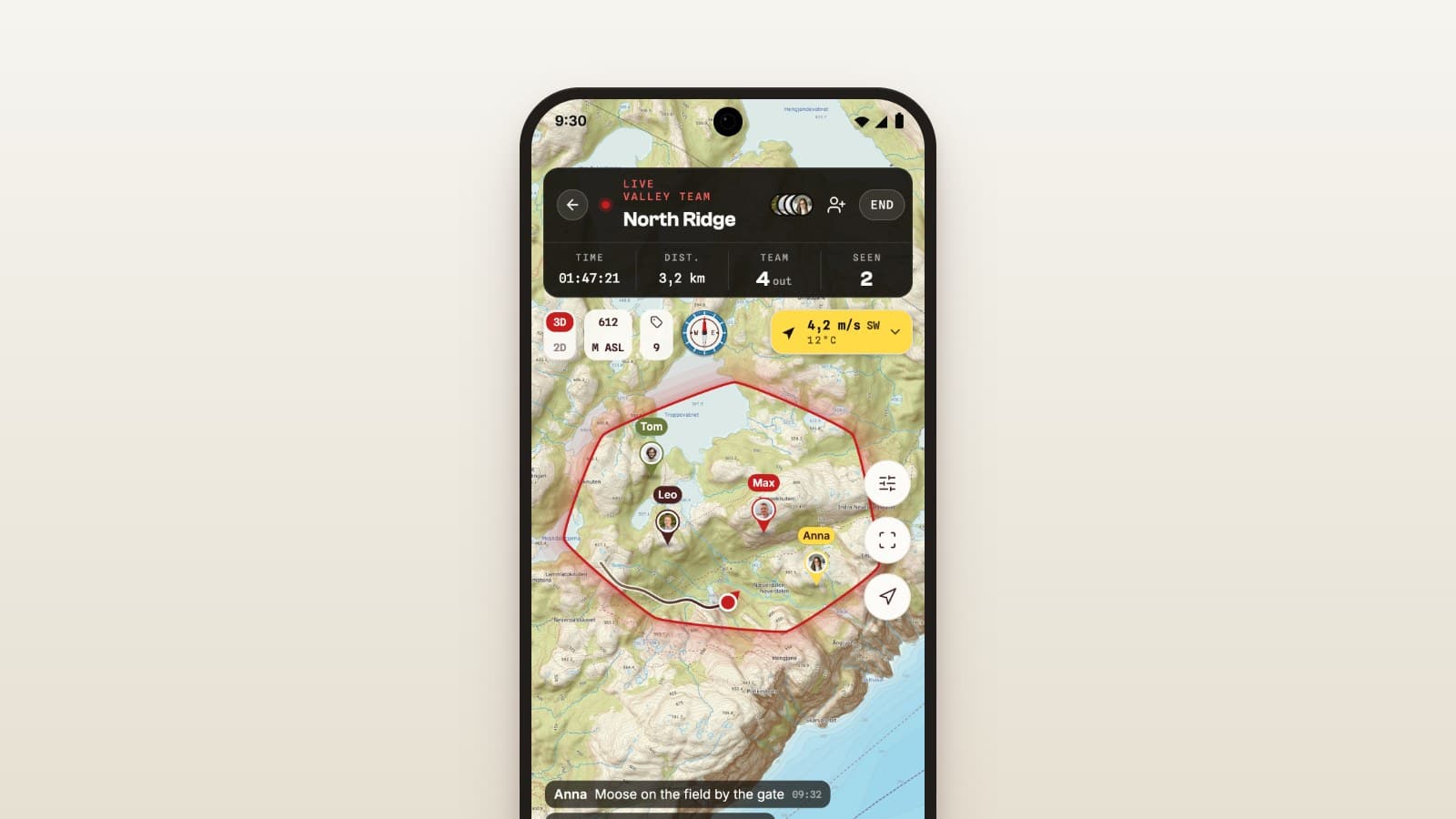
With the team, or your own hunt
Two kinds of hunt
Not every trip into the woods is the team's hunt. Sometimes the whole team is out on a drive, other times you sit alone on a stand for an evening.
Now you choose when you start. The start sheet has two options: With the team and Own hunt.
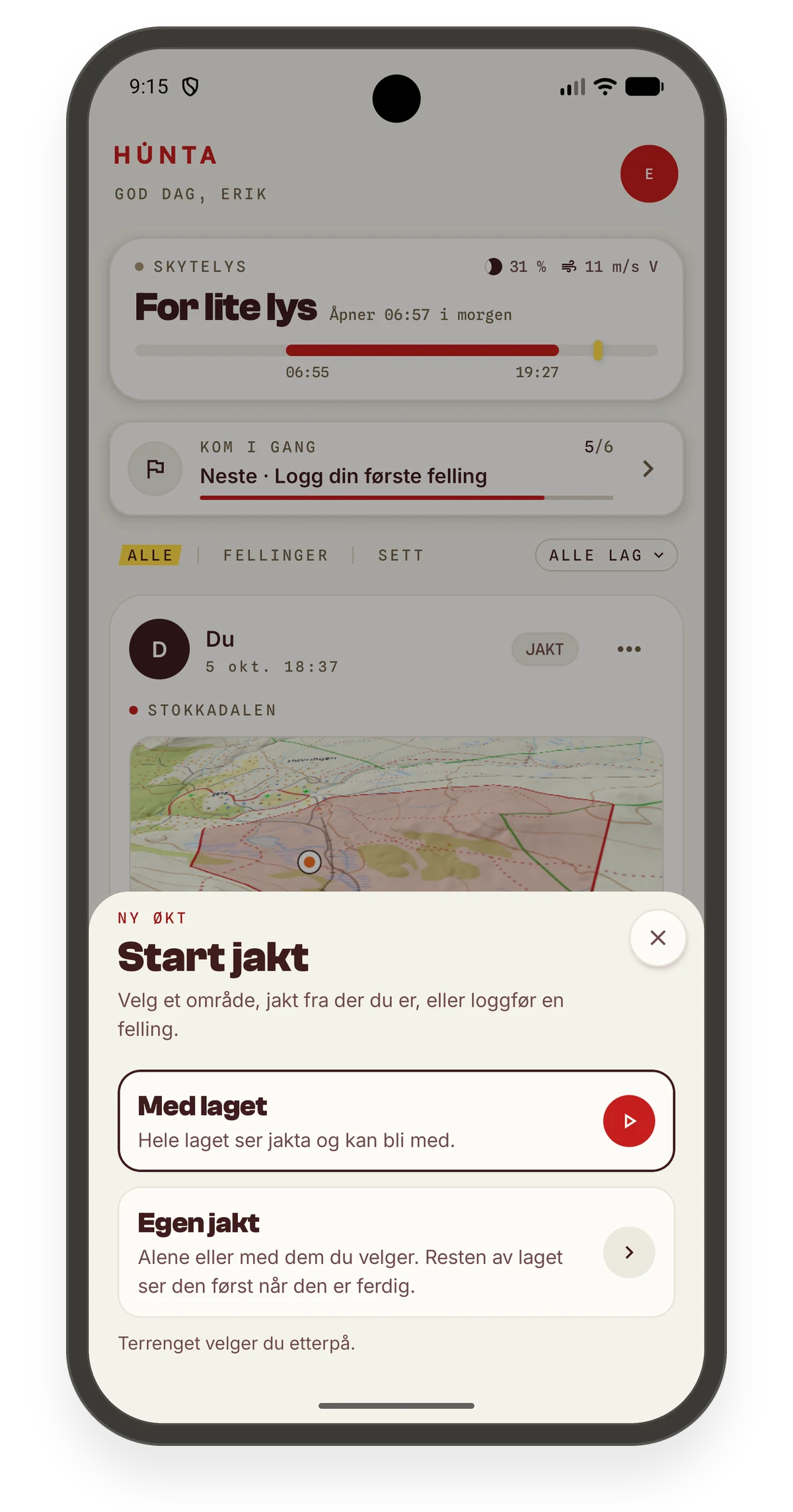
With the team
With the team is the team's hunt. The whole team sees it and can join.
If the team is already out, the start sheet opens with Join the team. Tap Join now and you join the hunt that's already running, even if you're on different ground from them.
The team then has one shared hunt, not five parallel ones. Everyone sees each other live on the map, and sightings and harvests end up in the same place.
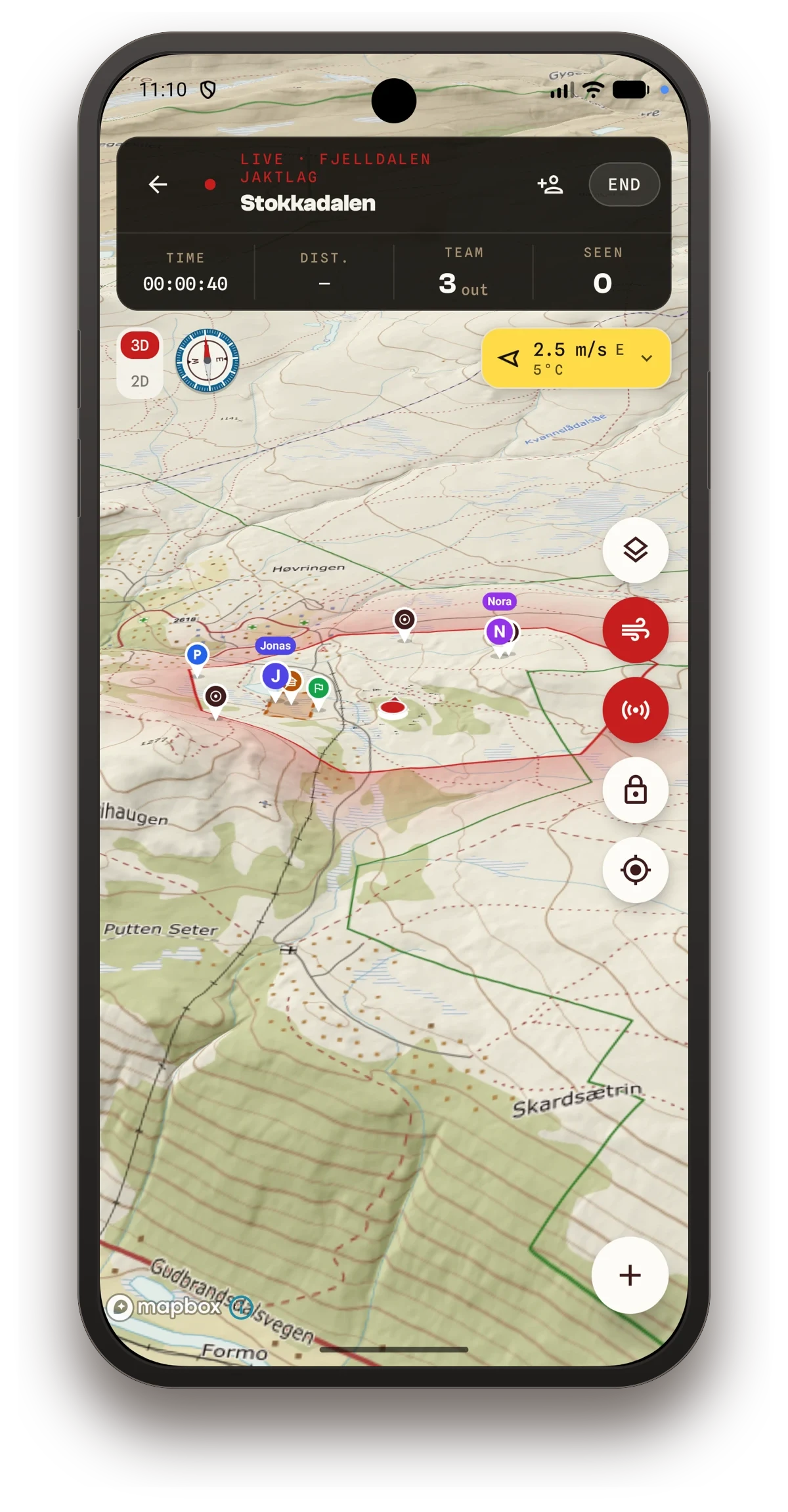
Own hunt
Own hunt is for the trips that aren't the team's. You can go alone, or with people you choose.
The rest of the team only sees it once it's over.
You decide whether the team is notified
If you start late in the day, the app doesn't notify the whole team on its own. You choose whether they should know.
It's a small thing, but it means nobody gets a notification at eight in the evening because someone went out to look for tracks.
One phone per hunt
If you're signed in on several devices, only one of them tracks the hunt. That keeps the track and your position right.
Good hunting.