Dark theme and night vision
The screen is the brightest thing in the woods
At dusk, your phone is often the brightest thing around you. Glance at a white map for a moment and it takes a while before your eyes are back in the dark.
That's why the app now has three looks.
Light, dark and night vision
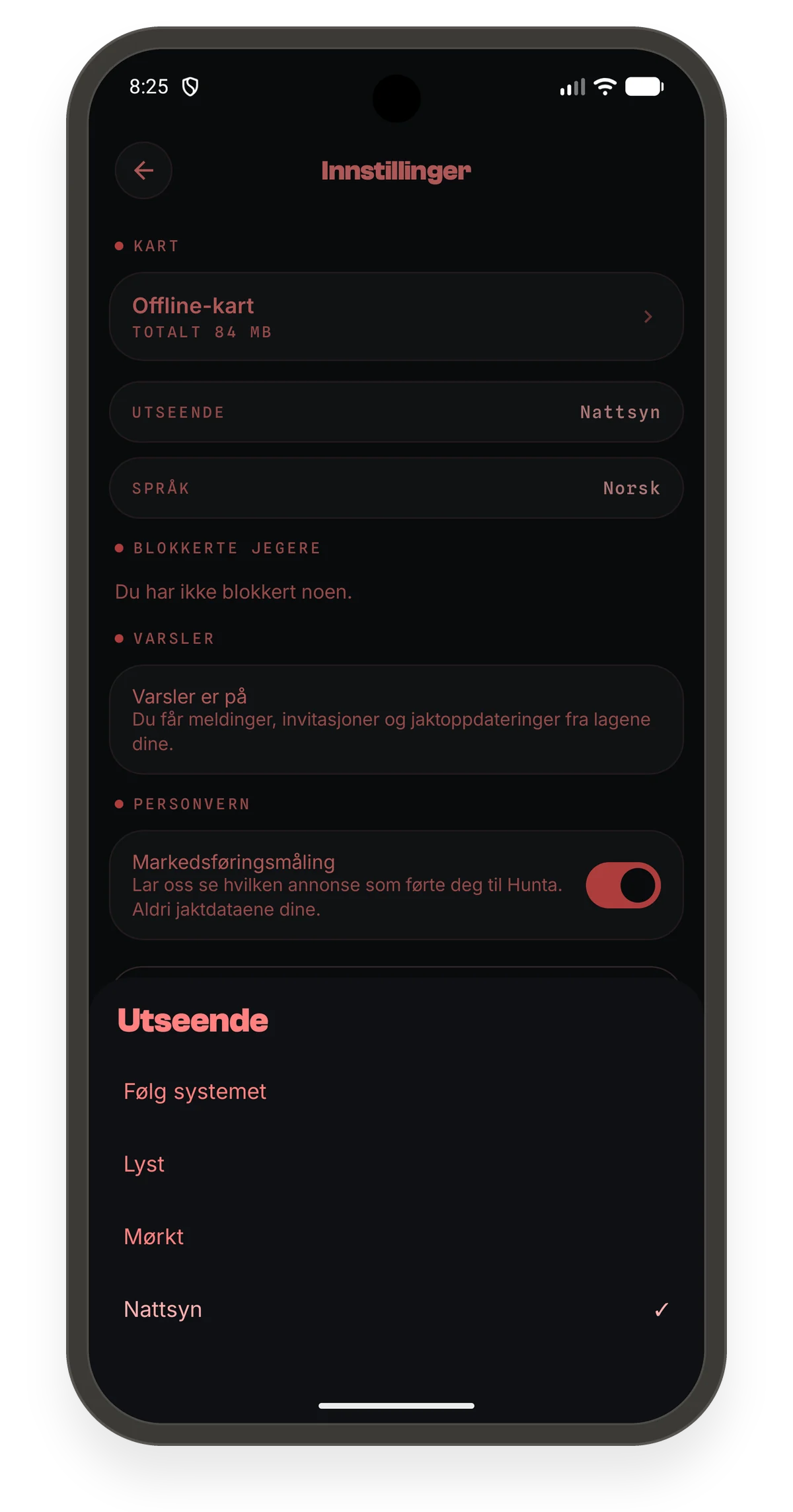
Under Settings → Appearance you choose:
- Light: as before, best in daylight
- Dark: calm, dark surfaces that are easy on the eyes in the evening
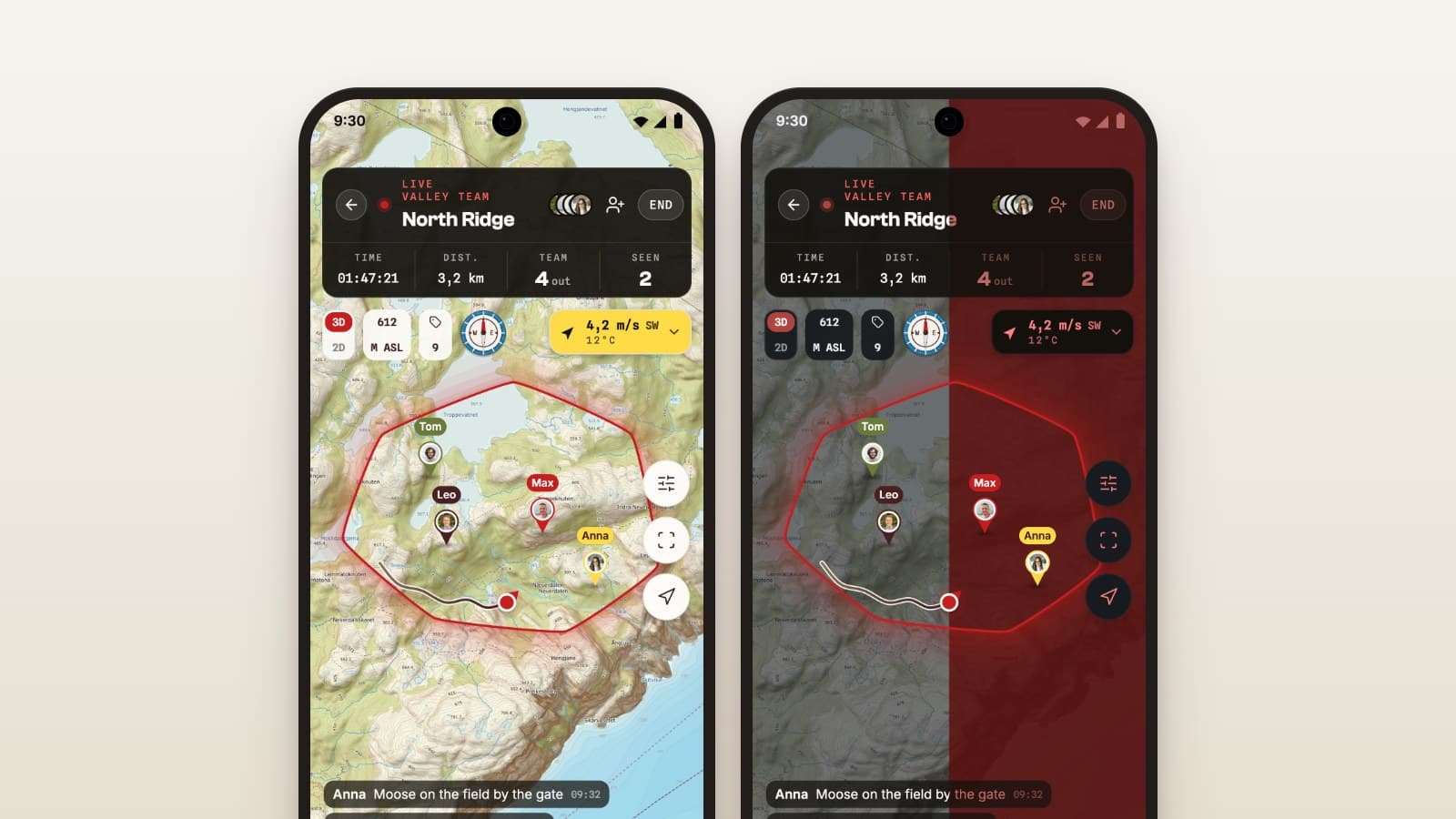
- Night vision: red on near-black
Why red
Red light disturbs your night vision the least. With night vision the whole app turns red, the map included. The map turns greyscale under a deep red layer, so the terrain is still easy to read.
What you need to see keeps its colour: the boundary of your ground and the dots of the rest of the team. They sit on top of the red, so you find them straight away.
When to switch
Dark theme suits most evenings. Night vision is for the last half hour before dark, and for the stand before the light comes in the morning.
Try it next time you sit on a stand at dusk.