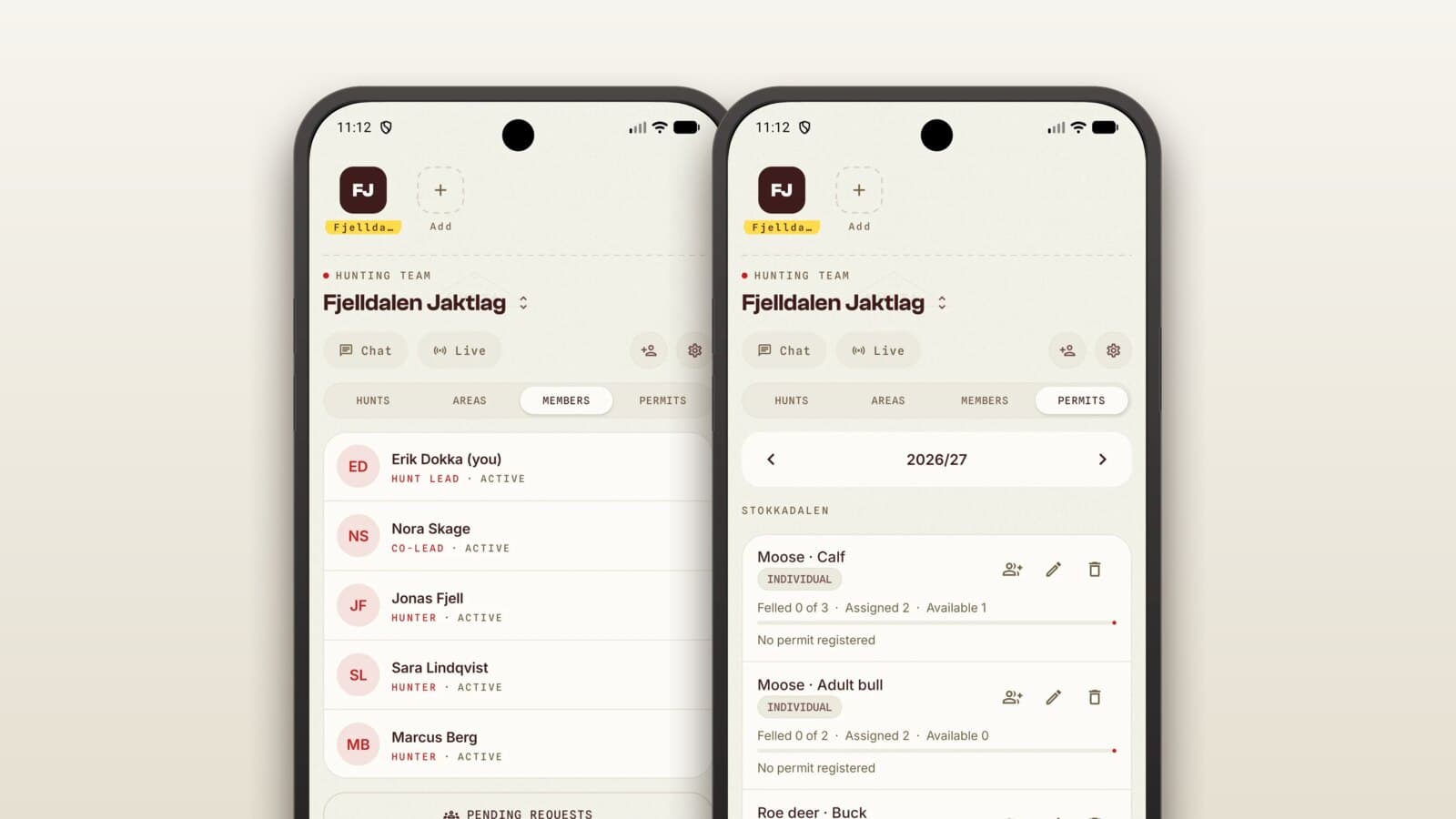
Set up your hunting team before the moose hunt
A little setup saves a lot of chasing
The moose season opens on 25 September across most of the country. Where red deer hunting is often one hunter alone on a stand, the moose hunt puts many people on the ground at once, with stands to man and a quota to keep to.
It is worth half an hour beforehand. Here is what the team should set up before opening day.
Permits and quotas
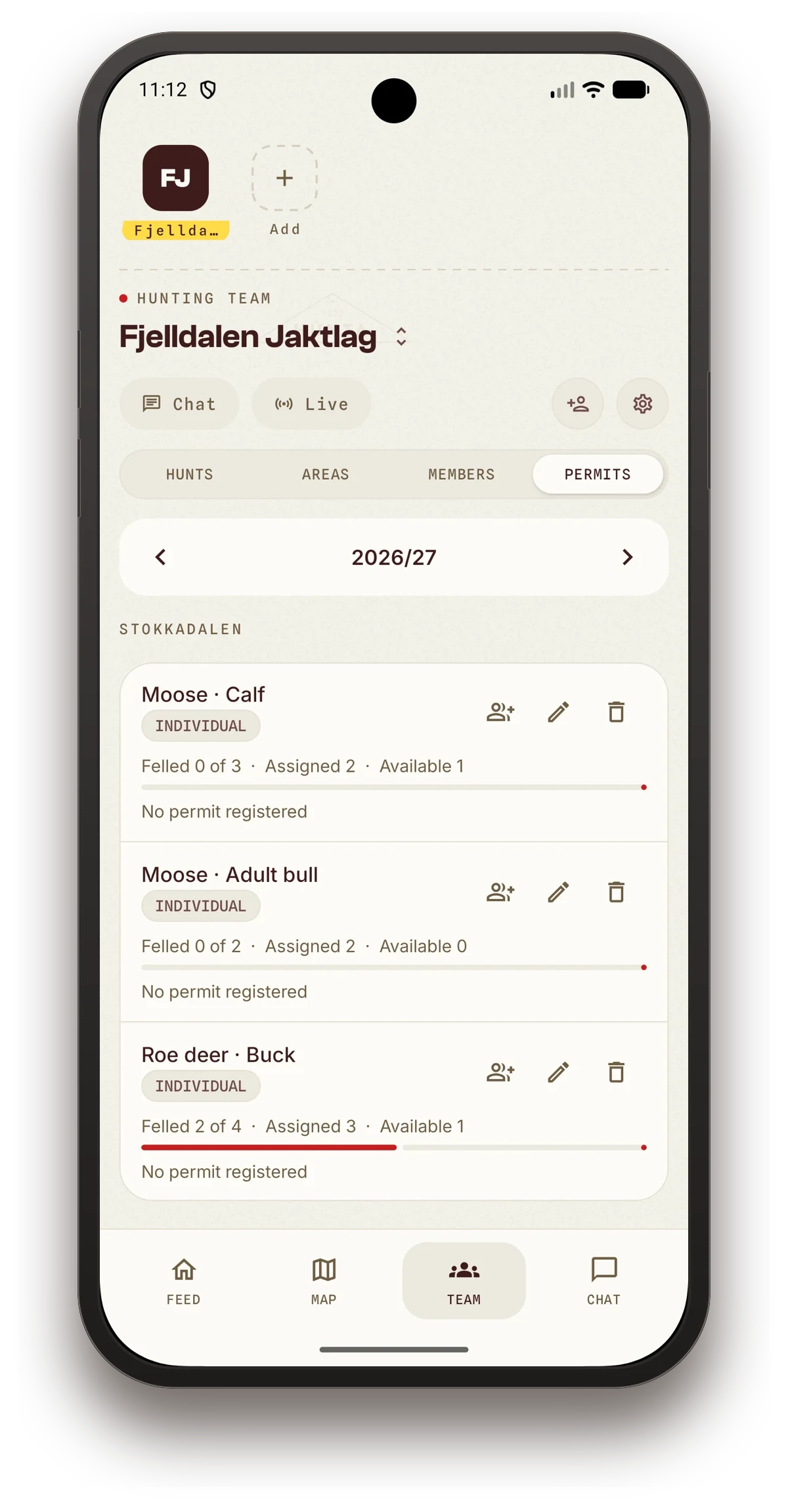
Enter the permits your team has this year, split by species and ground. The app then shows at all times what's harvested, allocated and remaining.
When someone in the team logs a harvest, it's deducted from the quota automatically, and it finds the right permit on its own. If the quota on one category is full, the harvest is booked against a category that actually has some left. It's a small thing that saves a lot of arguing come afternoon.
Shared hunt
Start the hunt as a shared hunt, so the whole team sees the same thing.
- All participants see each other live on the map, with names
- Sightings and harvests are shared in real time, so you know what happened at the next stand over
- Each person's track is drawn as you walk
The team doesn't have to phone around to find out who's where.
Safety zones
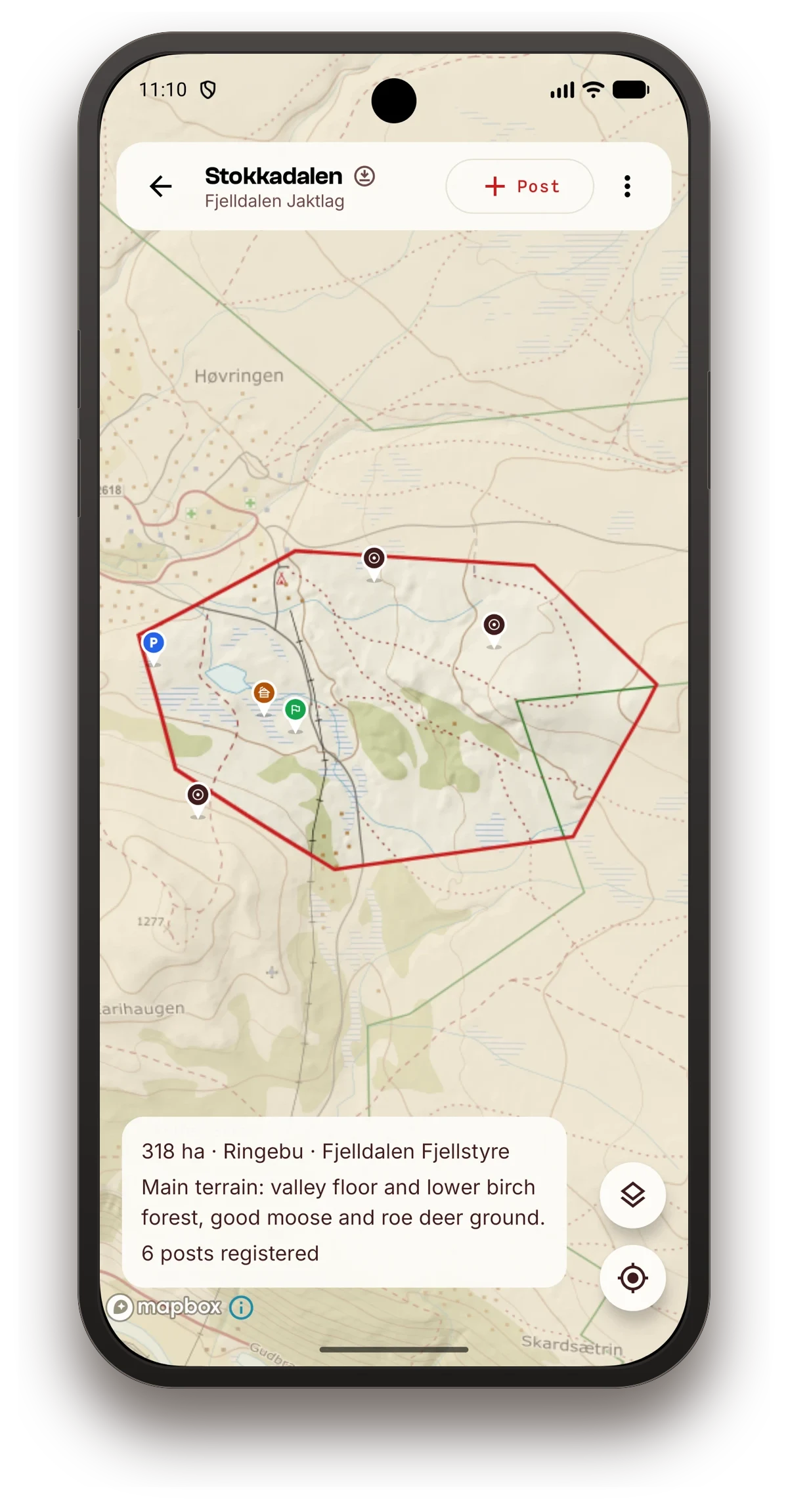
Draw in the zones where you shouldn't shoot: towards roads, towards buildings, towards neighbouring ground. They sit on top of the map and are visible to everyone in the shared hunt.
Especially for guests and new members of the team, this is worth the ten minutes it takes to set up.
Download the map before you head out
The map for your grounds downloads automatically, but check it before you drive out. If you want the 3D terrain offline too, it can be downloaded.
The wind forecast should be fetched while you have coverage. Then you'll have 48 hours of wind in your pocket, whatever the network does.
The harvest report the same evening
Log the harvest in the app on the spot, with species, category, weight and a photo. If the team bought the hunt through Hunta, the report goes to the rights holder on its own.
No paperwork at the kitchen table in November.
The checklist
Before Friday:
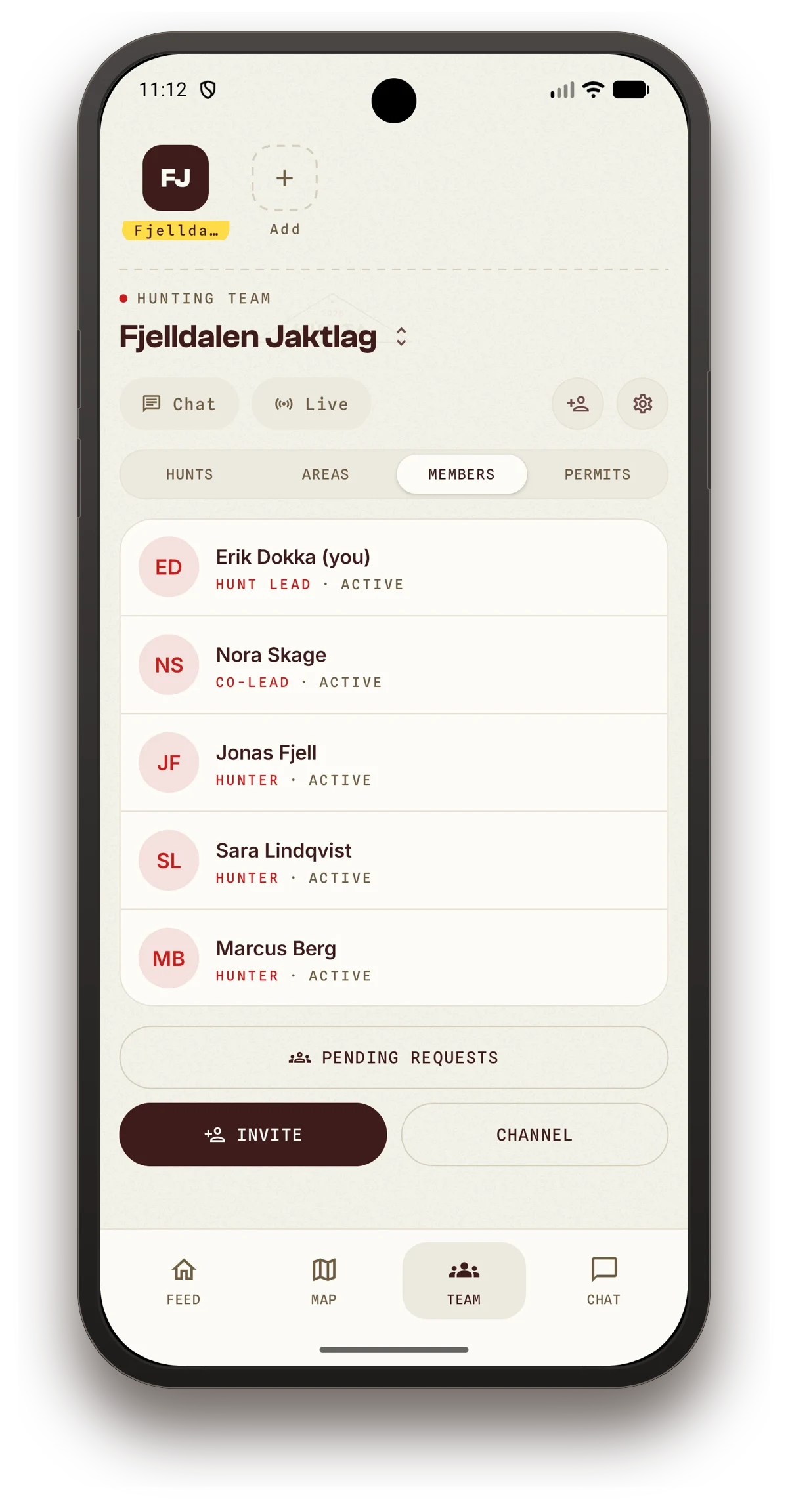
- Create the hunting team and invite members with a code or link
- Enter the permits and the allocation
- Draw or import your hunting ground
- Mark the safety zones
- Add the stands as markers
- Download the map offline
- Check that everyone has notifications turned on
Good hunting. Let us know how it goes.